Why most modern finance apps use subscriptions
Connected finance software has ongoing costs. Bank-data aggregators charge for access, cloud systems store and process transactions, support teams troubleshoot broken institutions, and security work never ends. A recurring price can be an honest match for a recurring service.
Subscriptions can also align the company with paying customers rather than advertising. Several respected finance apps explicitly say member fees allow them to avoid selling financial data or showing ads. 'Subscription' is not automatically a warning sign.
The frustration begins when a user needs only a stable personal record but must continue paying to see it. A one-time purchase can fit that narrower job, especially when the product avoids costly live connections and performs most work locally.
What a pay-once finance app can do well
A pay-once app is well suited to manual net worth, account inventories, debt records, calculators, offline references, and document generation. These functions can remain useful without a company continuously fetching new financial data.
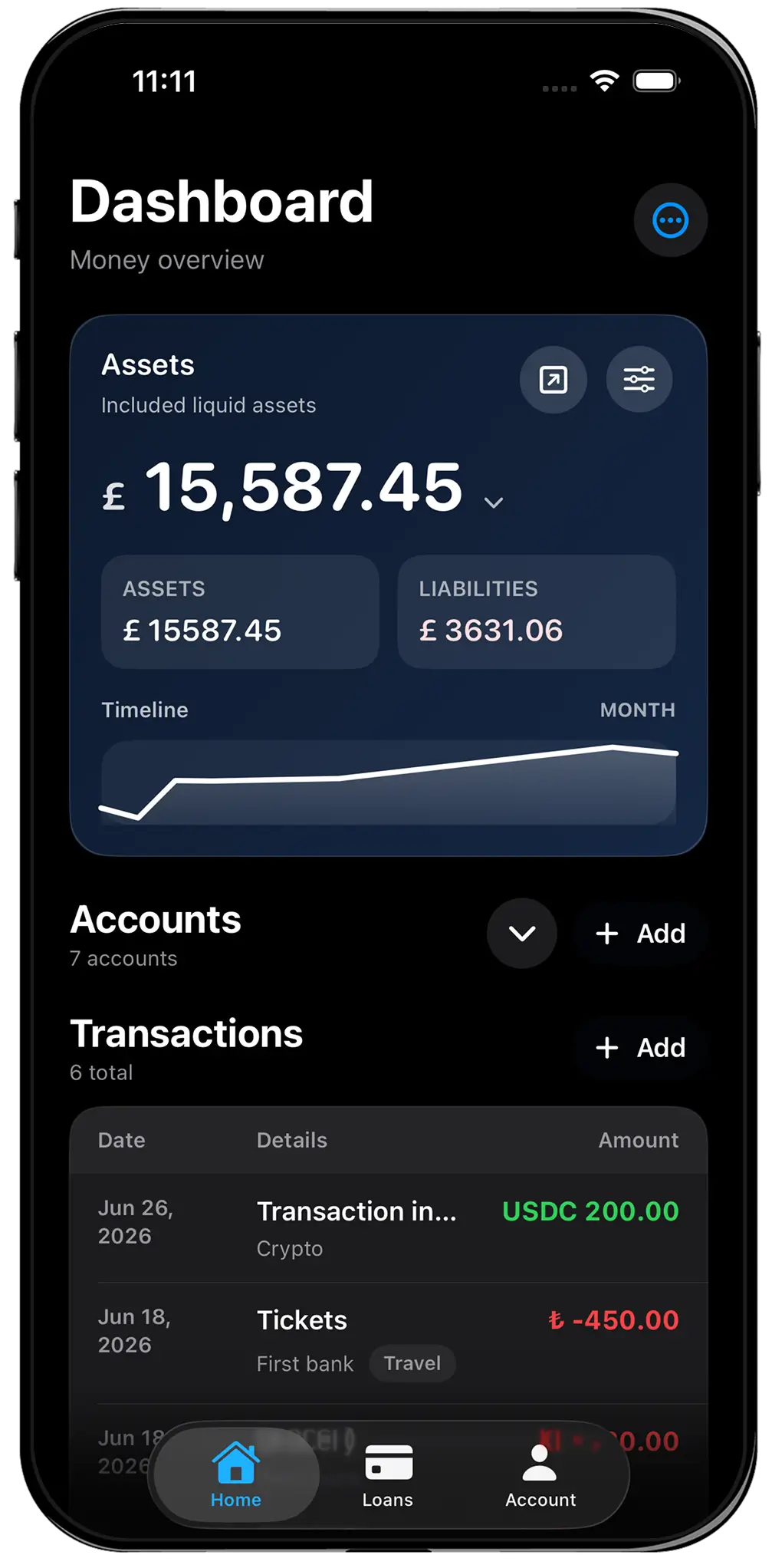
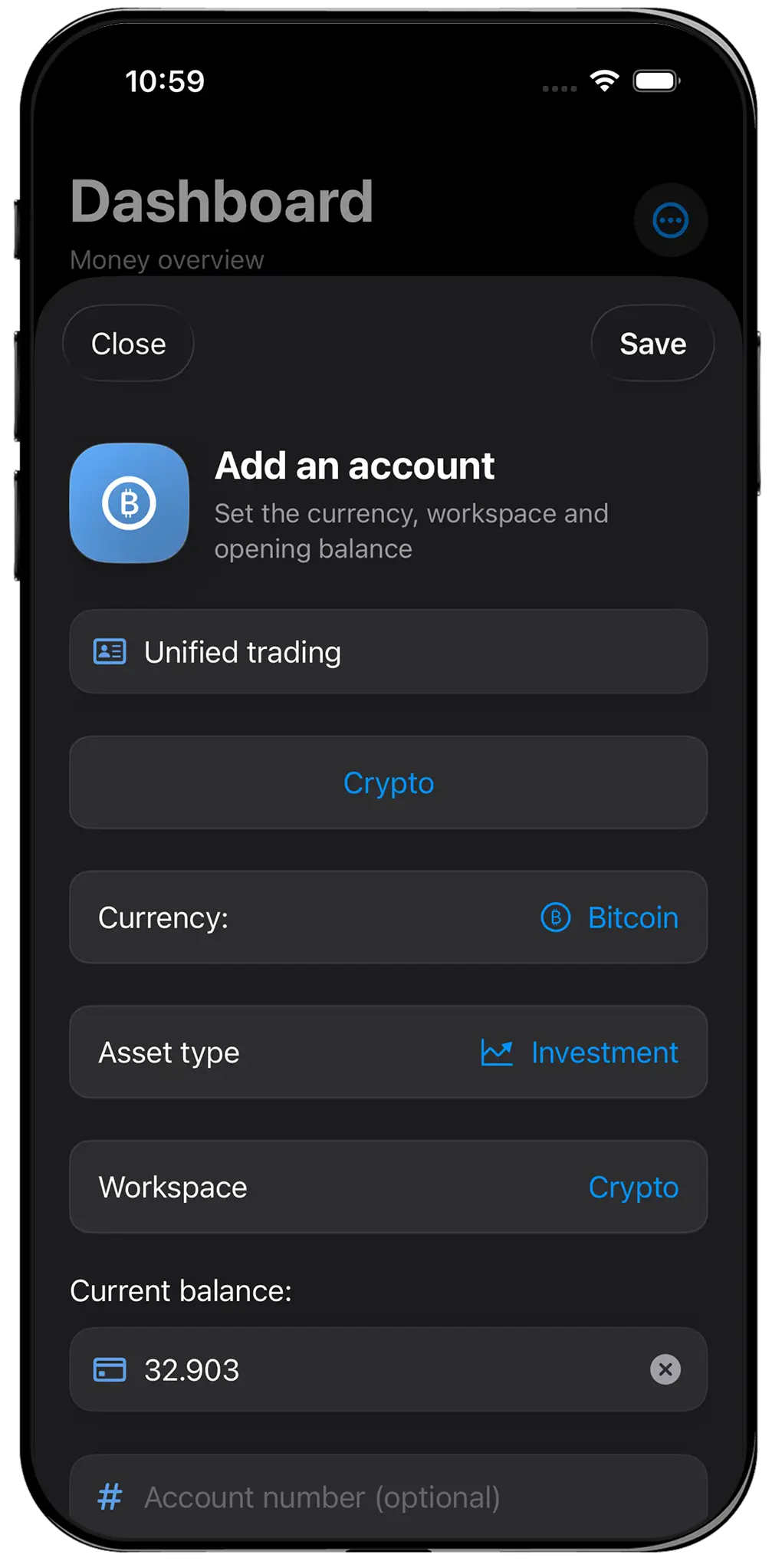
All Banks keeps accounts, balances, currencies, and net worth free forever. All Banks Pro is a $49.99 one-time unlock for Money Brief, History & Insights, and Loans. Financial records remain local by default; encrypted Cloud Sync is a separate optional service at $2.99 per month or $19.99 per year.
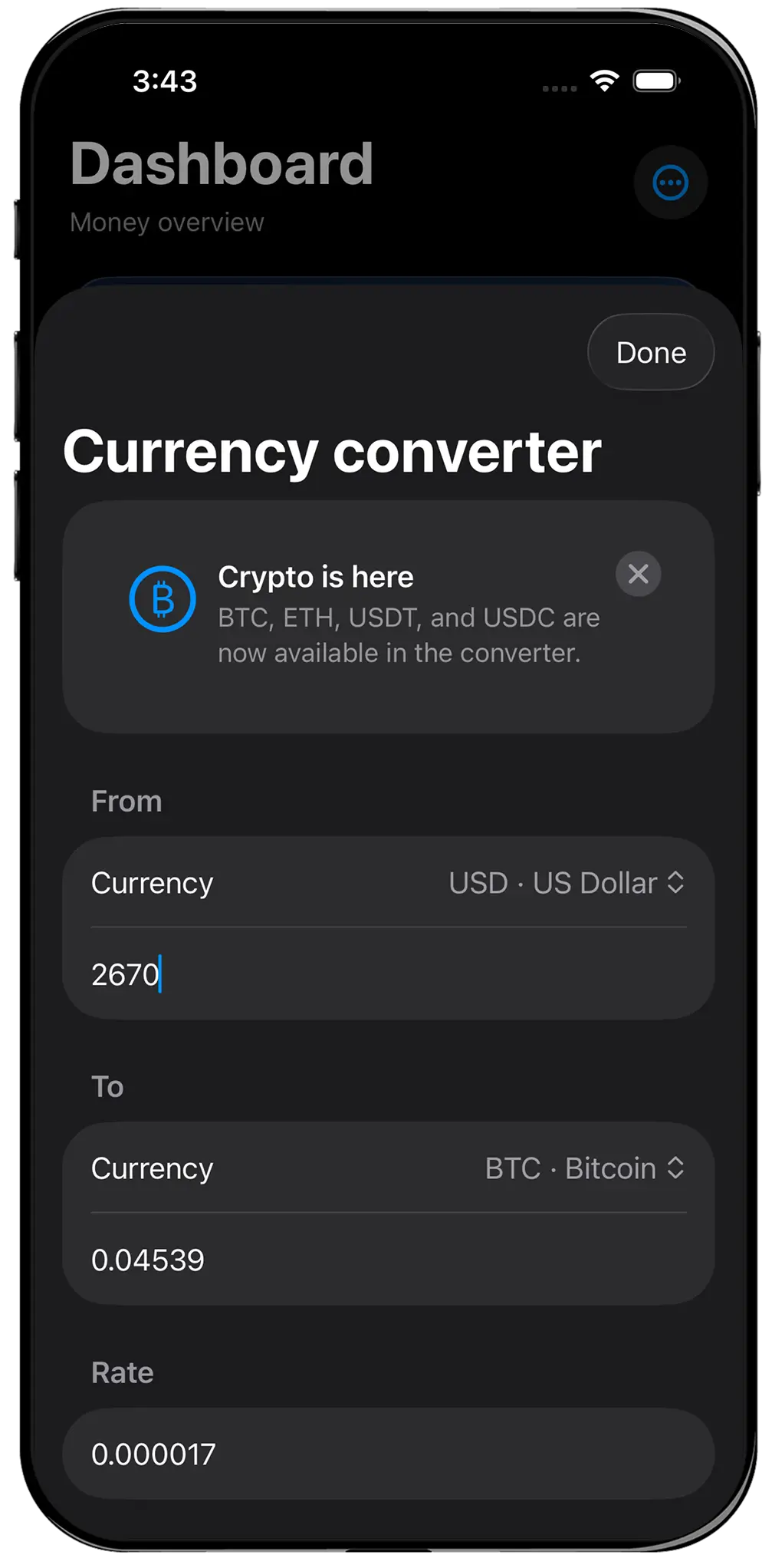
The app and Pro unlock do not promise perpetual external integrations. Cloud storage is a service and renews until cancelled. Exchange-rate updates may require internet access, Apple controls App Store distribution and refunds, and software compatibility still depends on future platform support.
- A stable workflow matters more than live feeds
- You prefer a known upfront cost
- You are comfortable maintaining balances
- Local-first storage is valuable
- You expect to use the same tool for several years
The break-even calculation—and its limits
Compare the parts you will actually use. The core app is free, Pro is $49.99 once, and Cloud Sync is $2.99 monthly or $19.99 yearly. Against a $100 annual all-in-one subscription, a user who needs Pro and annual Cloud Sync spends $69.98 in year one and $19.99 per year after that. Promotions, taxes, regional prices, and future changes affect the result.
Then price your time. If automatic imports save two hours every month, a subscription may be inexpensive. If connected data requires constant repairs and manual correction, the supposed automation may have negative value. A cost table cannot measure workflow reliability.
Finally, estimate retention honestly. A Pro unlock used twice is expensive. A cloud subscription cancelled after discovering it does not fit may cost less. Choose the operating model first and use long-term price to compare genuinely suitable products.
Is a no-subscription app a pay-once budget app?
Sometimes, but the terms are not interchangeable. Budgeting requires planned categories, cash-flow rules, recurring expenses, transaction review, and often household collaboration. A manual net worth tracker may record transactions without providing a full budgeting system.
All Banks is primarily a financial command center and balance-sheet record. It should not be bought as a cheaper copy of Monarch, Copilot, YNAB, or another specialized budget platform. It does not automatically import every purchase or maintain a live category budget.
If 'budget app' is your real search, write down the expected actions: allocate income, categorize spending, detect bills, share with a partner, or forecast cash. Choose a product that performs those actions even if it requires a subscription. Paying once for the wrong category is not saving money.
Ownership, portability, and the end of service
One-time pricing feels like ownership, but data portability makes that ownership practical. Look for exports that can be stored independently of the app. All Banks provides JSON backup and readable PDF snapshots, allowing users to keep a record outside the interface.
Subscription products vary. Some provide excellent CSV exports and remain trustworthy even after cancellation; others limit history or features. Review export formats, deletion controls, and what happens when payment stops before investing time in setup.
A local app can also fail, be removed from a store, or become incompatible with a future operating system. Keep backups, preserve important PDFs, and never treat one application as the only copy of critical information.
A fair purchasing rule
Choose a subscription when the provider continues doing valuable work every day: syncing institutions, classifying transactions, collaborating across users, monitoring investments, or delivering active support. Judge it by hours saved and decisions improved, not by resentment toward recurring billing.
Choose a local-first app when the useful system can live mostly on your device and your own review habit supplies the updates. Judge it by clarity, durability, exports, and whether you will keep using it after the novelty disappears.
All Banks is one option for the second group. The app is yours; cloud storage is a separate service. It is for private manual records on iPhone, iPad, and Mac—not a bank, broker, exchange, custodian, adviser, or full automatic budget service. Current US pricing should always be confirmed on the App Store checkout screen.