The spreadsheet is the real incumbent
For many people, the alternative to a finance app is not another finance app. It is a Google Sheet or Excel workbook that already contains account names, balances, a net worth formula, and perhaps a chart. It may be free, accessible on every computer, easy to share with a partner, and understandable without learning a new product.
Spreadsheets are exceptionally good at custom logic. You can model pension rules, private-company equity, tax estimates, property values, target allocations, and scenarios that no general-purpose app anticipates. The formulas are inspectable. The file can be copied, exported, versioned, or moved between services.
A dedicated app must therefore prove that its structure is worth losing some freedom. 'Apps are modern' is not an argument. The benefit has to appear in maintenance, accuracy, mobile use, privacy, or the quality of the review.
When Google Sheets or Excel is the better tool
Stay with a spreadsheet if you like it. Enjoyment matters because net worth tracking depends on repetition. A carefully designed monthly sheet can become a useful ritual: open accounts, update balances, add a dated column, read the trend, and make notes about changes.
A sheet is also better when the model is genuinely unusual. Founders may need vesting schedules and dilution scenarios. Property investors may need unit-level debt, rent, and valuation assumptions. Families may want a shared plan that mixes net worth, budgets, goals, and tax estimates. A dedicated personal app may flatten those details rather than clarify them.
Finally, spreadsheets are strong for collaboration and portability. Google Sheets is available on nearly any device and supports real-time shared editing. Excel files can live offline and use powerful analysis tools. All Banks is an app for iPhone, iPad, and Mac with personal records; it does not replace a collaborative financial model.
- You already maintain the sheet consistently
- Custom formulas or scenarios are essential
- Several people need to edit the same model
- Free or near-free software is a priority
- You want maximum portability and inspectability
Where spreadsheets begin to fail
A sheet often degrades quietly. A copied formula misses the last row. One account uses cents while another is rounded. A currency rate is updated in one tab but not another. Debt is entered as a positive number and accidentally added to assets. The total still looks plausible, so the error survives.
Mobile interaction can also break the habit. Updating a wide grid on a phone requires zooming, selecting tiny cells, and avoiding formulas. The friction is small but repeated. Eventually the monthly row is skipped, and the carefully built chart becomes a record of when motivation ended.
The third failure is interpretation. A workbook can contain every number and still fail to answer a simple question: What is my current financial position, which liabilities are due, how exposed am I to one currency, and can I produce a readable snapshot for someone else today? Structure is valuable when it turns data into a repeatable answer.
What a dedicated app should earn the right to do
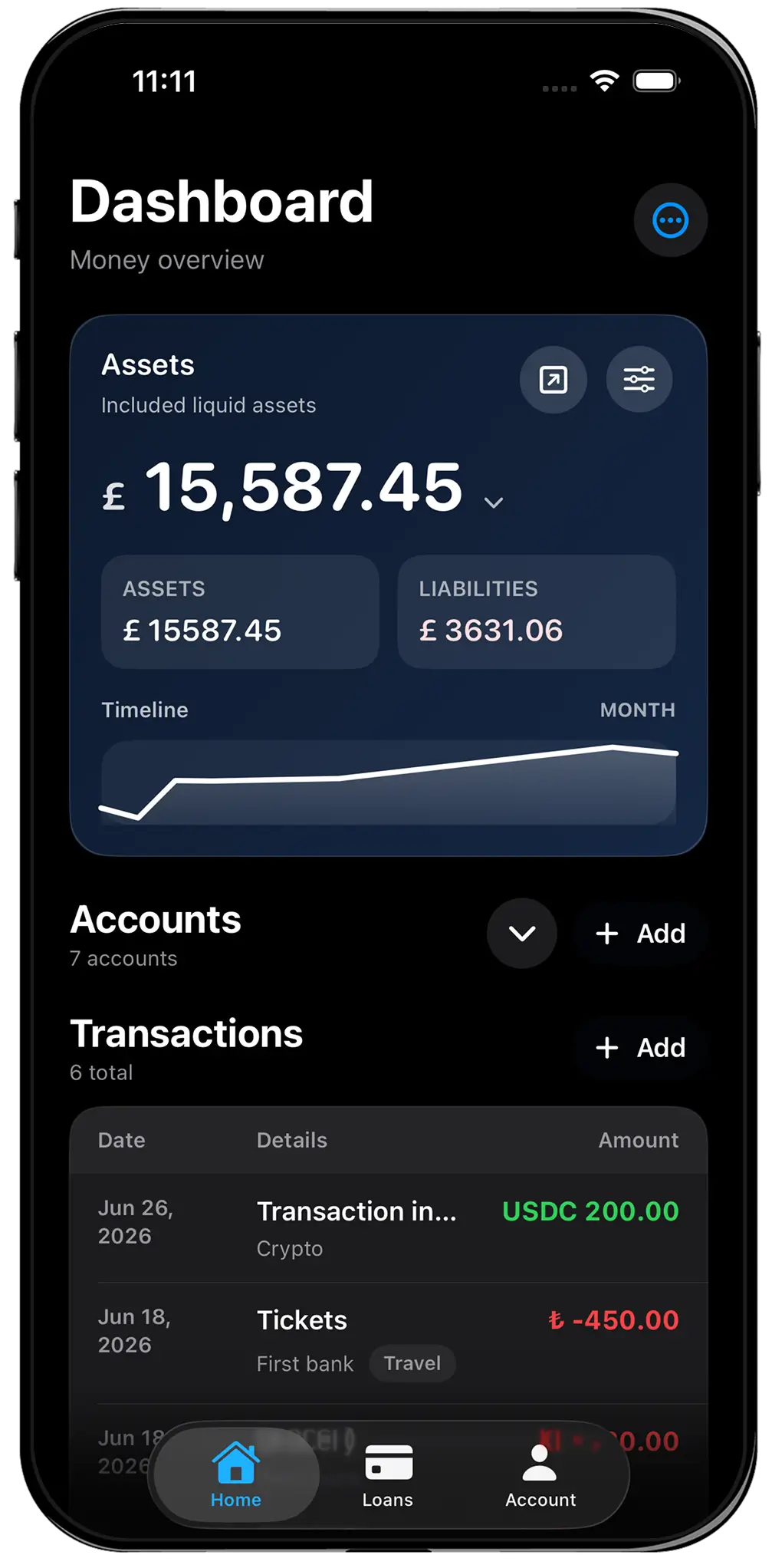
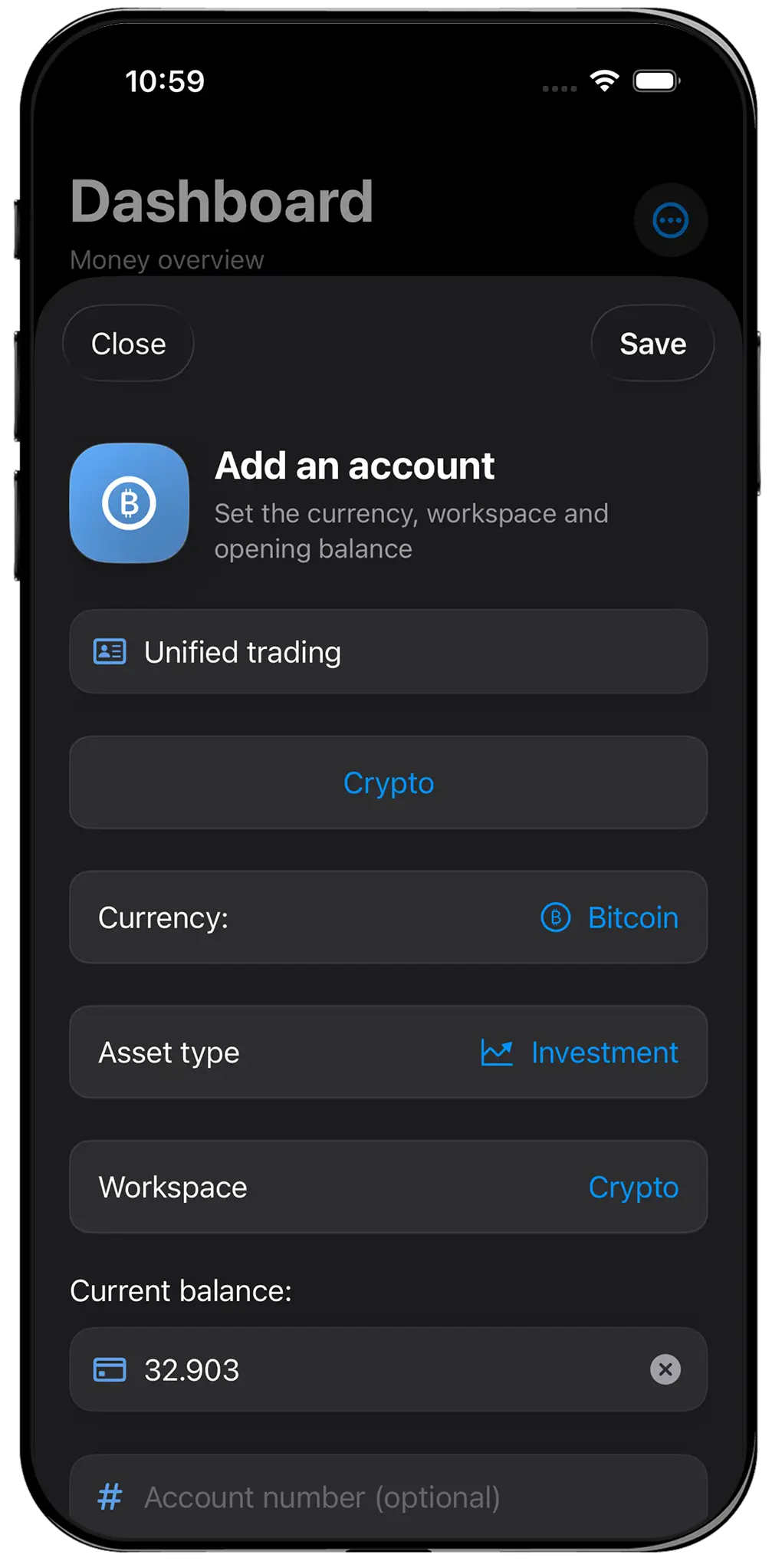
All Banks supplies a fixed vocabulary: accounts, asset types, liabilities, transactions, workspaces, currencies, net worth history, and financial snapshots. That reduces freedom, but it also removes setup decisions. Adding a euro savings account or a dollar loan does not require a new formula architecture.
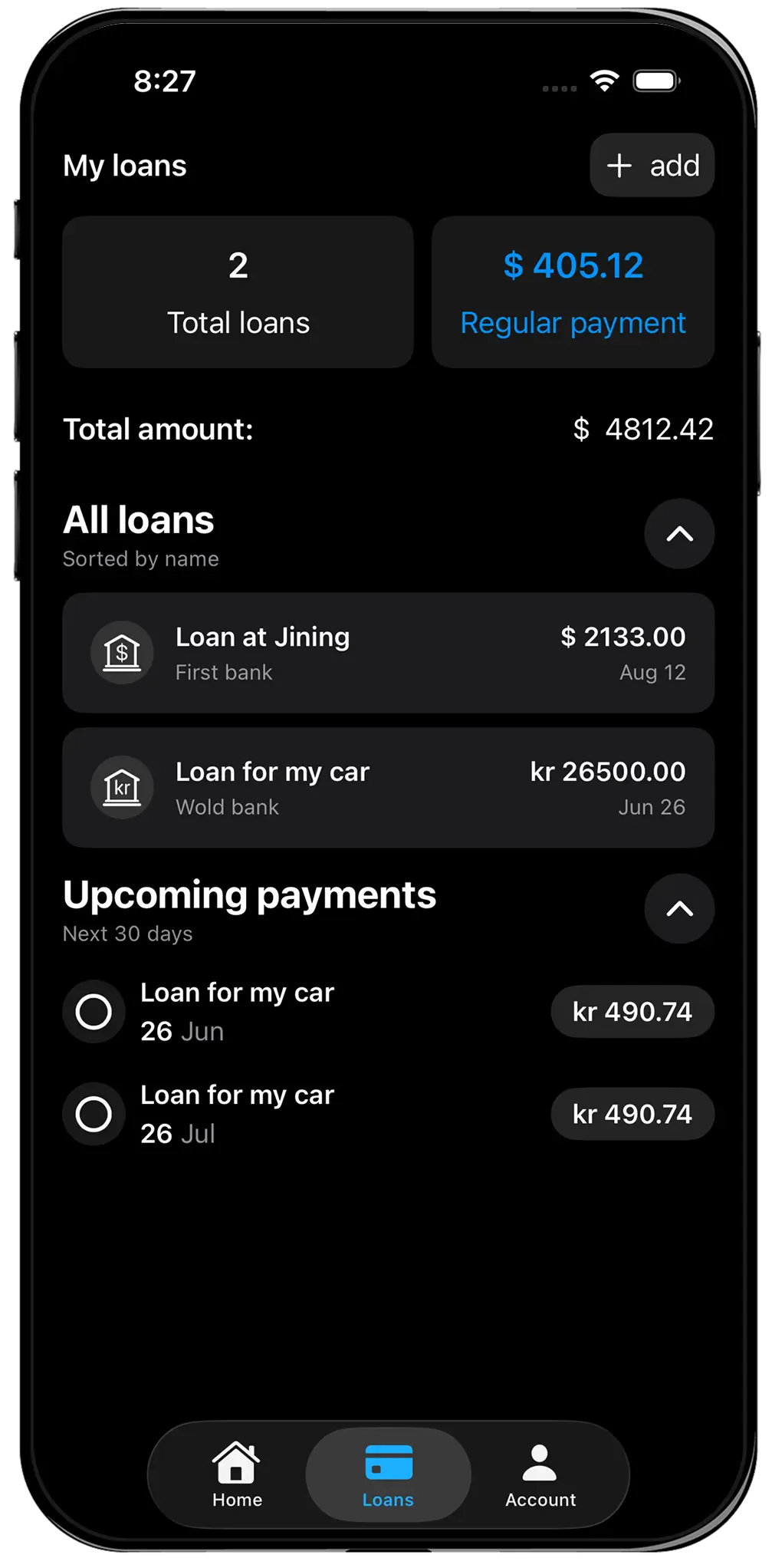
Original currencies remain attached to their balances while the dashboard converts them into a chosen total currency. Loans have scheduled payments and upcoming obligations. Workspaces allow personal, business, travel, and crypto contexts to be filtered without multiplying tabs. The phone interface is designed for quick balance edits rather than cell editing.
Exports serve different purposes. A JSON backup preserves the app record for recovery and portability. A PDF Personal Financial Statement or Money Brief creates a readable dated artifact. A spreadsheet can produce both outcomes, but the user must design and maintain the process.
Privacy: local file, cloud sheet, or local-first app
Privacy depends on where the spreadsheet lives. A local Excel file can be highly private if the device and backups are secured. A Google Sheet is a cloud document governed by Google account security and sharing settings. An accidental public link or broadly shared folder can expose far more than a finance app ever receives.
All Banks stores financial records locally by default and does not require an account or bank connection for core tracking. Optional encrypted Cloud Sync is a separate service. This reduces sharing flexibility but creates a clear boundary: the data is a personal app record unless the user chooses to sync or export it.
Neither format is magically safe. Use device encryption, multifactor authentication, careful backups, and deliberate sharing. Do not store bank passwords, card security codes, private keys, or seed phrases in either tool.
The hybrid approach is often best
You do not have to choose one permanent system. A dedicated app can hold the current balance sheet and monthly review, while a spreadsheet handles custom forecasts, tax planning, or a shared household model. The app answers 'where are we now?' and the sheet explores 'what if?'
To avoid duplicate work, define a source of truth. For example, update balances in All Banks, export a dated PDF for records, and enter only month-end totals into a forecasting sheet. Or keep the spreadsheet as the master file and use the app only if fast phone updates improve consistency.
The worst setup is two systems that both pretend to be current. If neither has a clear role, discrepancies create distrust and both are abandoned.
A practical migration test
Before paying for an app, duplicate one month of your existing workflow. Add the accounts and liabilities that determine your real net worth. Preserve original currencies. Create workspaces only where they answer a recurring question. Export a snapshot and compare it with the report you normally build.
If the app makes review faster and clearer, migrate. Keep the old spreadsheet read-only as an archive rather than deleting it. If the app hides important custom logic or creates more work, return to the sheet with confidence. The goal is a trustworthy habit, not loyalty to a format.
All Banks pricing and features reflect the US App Store and public product information checked in August 2026. Regional prices and features may change. Spreadsheet costs depend on the software, storage plan, and any template you choose.