What “without a bank login” actually means
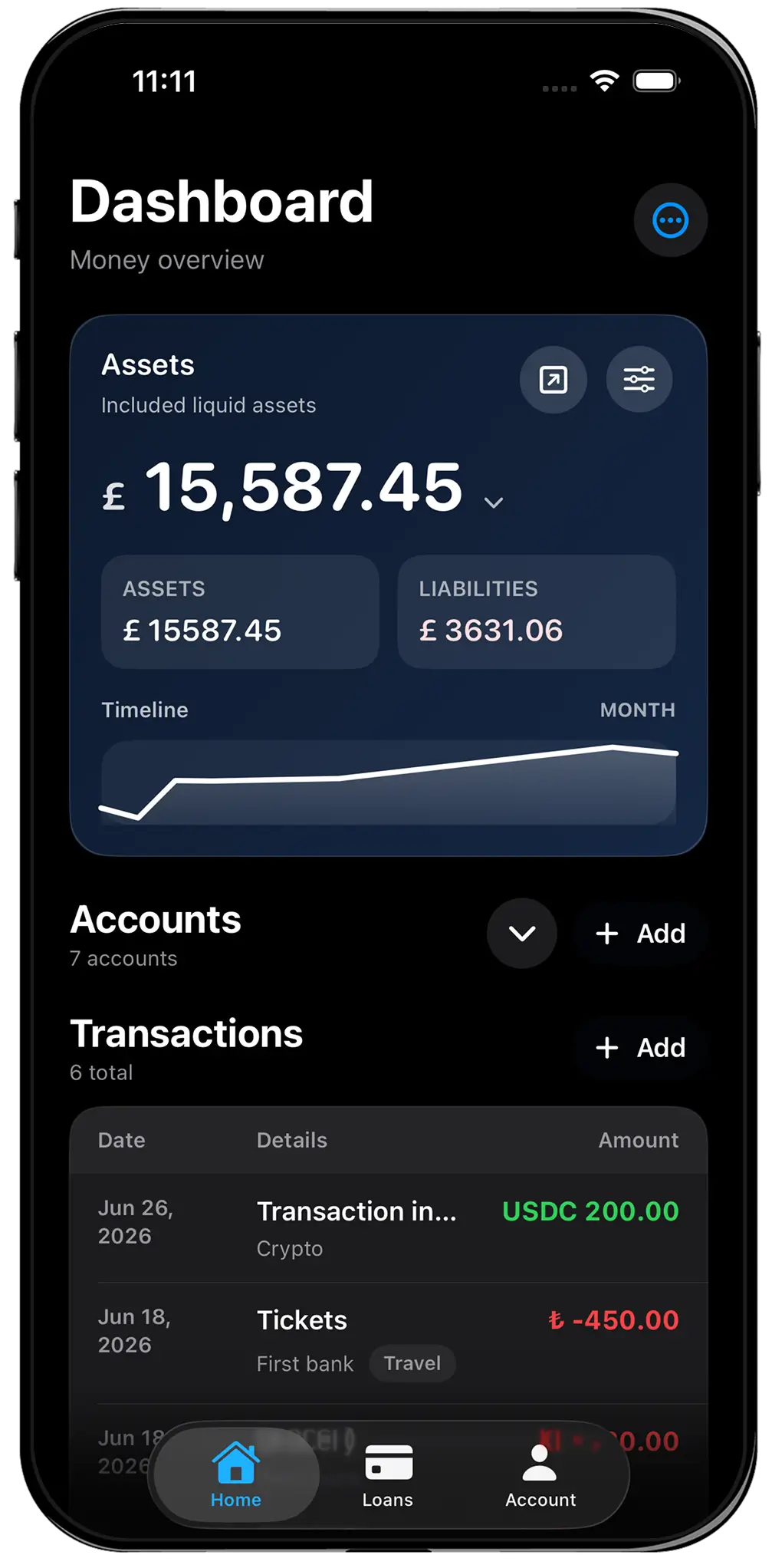
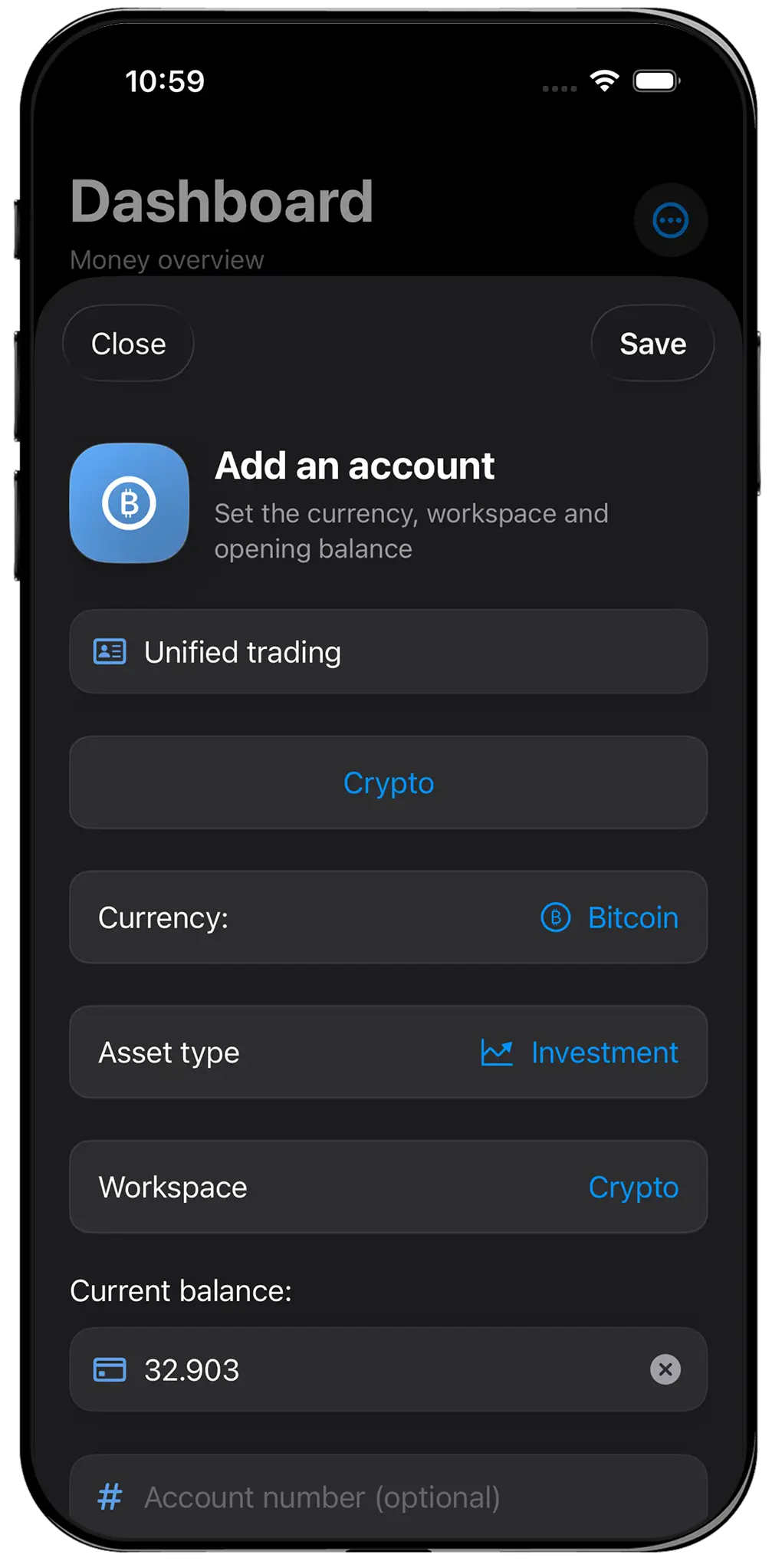
A net worth tracker without a bank login does not ask you to authorize access to checking, savings, credit-card, brokerage, or loan accounts. It does not use Plaid, an open-banking provider, screen scraping, or another aggregation service to retrieve balances. You create the accounts and enter the numbers yourself.
This is different from a connected app saying that it does not store your password. Many reputable services use an aggregator or bank authorization screen so the finance app never handles the raw credential. That can be secure and convenient, but account data still moves between institutions and service providers. A truly connection-free tracker removes that workflow entirely.
All Banks follows the second model. It asks for account names, types, currencies, and balances—not bank credentials. Financial records remain on the device by default. Optional Cloud Sync encrypts chosen records on the device before they are stored, and requires an All Banks account only when you choose that service.
Why someone would deliberately choose manual entry
Privacy is one reason, but it is not the only one. Aggregators are strongest when supported institutions expose consistent data. International accounts, small banks, cash, private loans, crypto wallets, business balances, property, and assets held outside conventional platforms can remain invisible or unreliable. Manual entry provides one common method for all of them.
Manual review can also improve awareness. Opening each account once a week or month forces a person to see debt, dormant cash, and currency exposure directly. The process is slower than syncing, but the slowness can be useful when the purpose is reflection rather than continuous monitoring.
Finally, some people simply do not want another company to maintain a continuously updated map of their finances. A local record allows them to decide which balances exist in the app, how precise they are, and when they change.
- You do not want to authorize third-party financial access
- Several assets cannot connect reliably
- Your review is periodic rather than daily
- A balance sheet matters more than transaction automation
- You want to include cash, crypto, loans, and international accounts together
The honest cost: a manual tracker can become stale
No connection means no invisible maintenance. If a credit-card balance changes, a loan payment clears, or an exchange rate moves, the app does not magically know. A manual net worth figure is only as current as the last review. Anyone promising automatic accuracy without access to a data source is hiding an important detail.
The solution is not constant editing. Net worth usually does not require minute-by-minute precision. Pick a cadence that matches the decision: weekly for active debt reduction, monthly for a household balance sheet, or before a relocation, property purchase, or financial conversation. Record the review date so an old snapshot is never mistaken for a live feed.
Connected apps have their own accuracy problems—broken links, duplicate transactions, delayed institutions, and incorrect categories—but they usually require less routine data entry. If daily spending analysis is the goal, that advantage is substantial.
How to maintain net worth without Plaid
Begin with accounts, not transactions. List what you own: bank balances, cash, investments, business funds, property estimates, and supported crypto. Then list what you owe: credit cards, mortgages, personal loans, and other liabilities. Net worth is assets minus liabilities, so both sides must use the same review date.
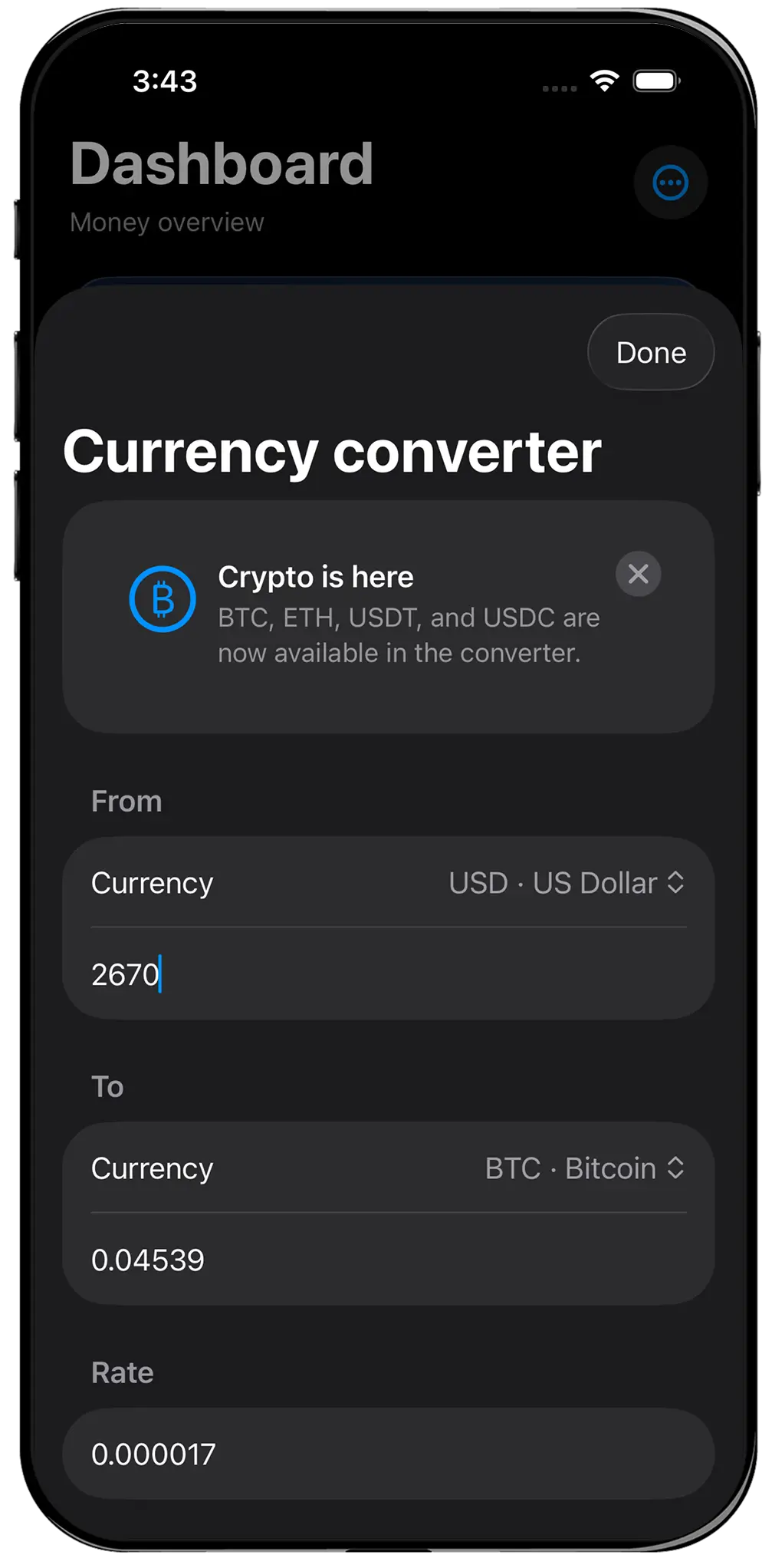
Preserve original currencies. Converting everything permanently into dollars or euros destroys useful context. Keep the native balance, apply a current reference rate for the consolidated total, and note that market and exchange values are estimates. All Banks does this through currency-aware accounts and a chosen total currency.
Avoid false precision. A rounded monthly property estimate can be more honest than an apparently exact daily number. Do not store passwords, seed phrases, private keys, card security codes, or authentication answers in account notes. A tracker needs balances, not access secrets.
When a connected app is still the better answer
Use a connected product if you want automatic transaction categorization, subscription detection, live cash-flow reports, shared household budgeting, or alerts based on new activity. Those features require current data and are difficult to reproduce with occasional manual updates.
A no-login tracker is also a poor fit when you know you will not maintain it. Privacy benefits do not rescue an abandoned record. A reputable connected app that you actually review may provide a more accurate picture than a theoretically private dashboard last updated six months ago.
The choice is not between safe and unsafe or disciplined and lazy. It is between different data flows and maintenance responsibilities. Understand both, then choose the workflow whose costs you will accept.
A simple first-month routine
Create only the accounts needed to answer your net worth question. Group them into personal, business, travel, or crypto workspaces only if those distinctions matter. On the same date each month, update major balances, confirm liabilities, refresh exchange rates, and review what changed.
Export a dated PDF snapshot or Money Brief when you need an archival record. Keep a JSON backup for recovery. Optional encrypted Cloud Sync can help across devices, but it remains a choice rather than a condition of using the app.
After one month, evaluate the method honestly. If manual review created clarity, continue. If it produced only friction, a connected service may be the better privacy-versus-effort trade. All Banks is a local-first app for iPhone, iPad, and Mac—not financial advice, a bank, a custodian, or an account-aggregation service.